Automatic extraction
Segmented information
Name, phone number, and other business card details are identified and organized for review before they are saved on the device.
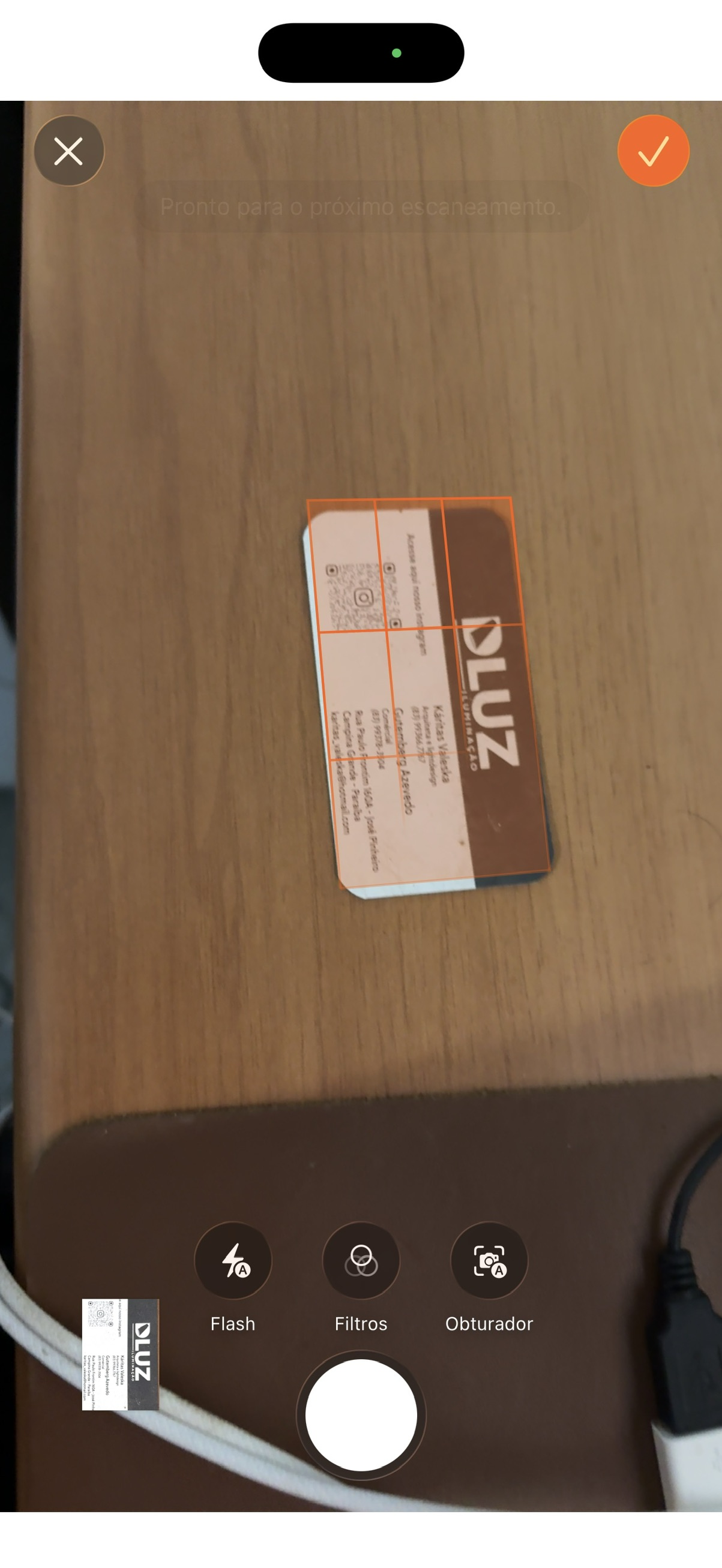
Photograph the business card, and the scanned data is transformed into a contact that you can save locally for future reference.
Name, phone number, and other business card details are identified and organized for review before they are saved on the device.
On iOS, recognition uses Vision and VisionKit.
On Android, it uses Google ML Kit Text Recognition.
Processing happens on the device, without sending card data to external OCR APIs, and the app does not require a user account.
After review, you save the contact to your phone's address book and keep the information available on the device itself.
Start turning business cards into organized contacts on your device.
iOS 15.0 or later
macOS with Mac Catalyst support
Android 8 or later



 Vision Kit
 ML Kit Text Recognition